Microsoft Diagnostics and Recovery Toolset (DaRT) 8.1 helps you troubleshoot and repair Windows-based computers. This includes those computers that cannot be started. DaRT 8.1 is a powerful set of tools that extend the Windows Recovery Environment (WinRE). By using DaRT, you can analyze an issue to determine its cause, for example, by inspecting the computer’s event log or system registry. DaRT supports the recovery of basic hard disks that contain partitions, for example, primary partitions and logical drives, and supports the recovery of volumes.
DaRT does not support the recovery of dynamic disks.
DaRT also provides tools to help you fix a problem as soon as you determine the cause. For example, you can use the tools in DaRT to disable a faulty device driver, remove hotfixes, restore deleted files, and scan the computer for malware even when you cannot or should not start the installed Windows operating system.
DaRT can help you quickly recover computers that are running either 32-bit or 64-bit versions of Windows 8.1, typically in less time than it would take to reimage the computer.
Functionality in DaRT lets you create a recovery image. The recovery image starts Windows Recovery Environment (Windows RE), from which you can start the Diagnostics and Recovery Toolset window and access the DaRT tools.
Use the DaRT Recovery Image Wizard to create the DaRT recovery image. By default, the wizard creates an International Organization for Standardization (ISO) image file and a Windows Imaging Format (WIM) file and let you burn the image to a CD, DVD, or USB. You can deploy the image locally at end user’s computers, or you can deploy it from a remote network partition or a recovery partition on the local hard drive.


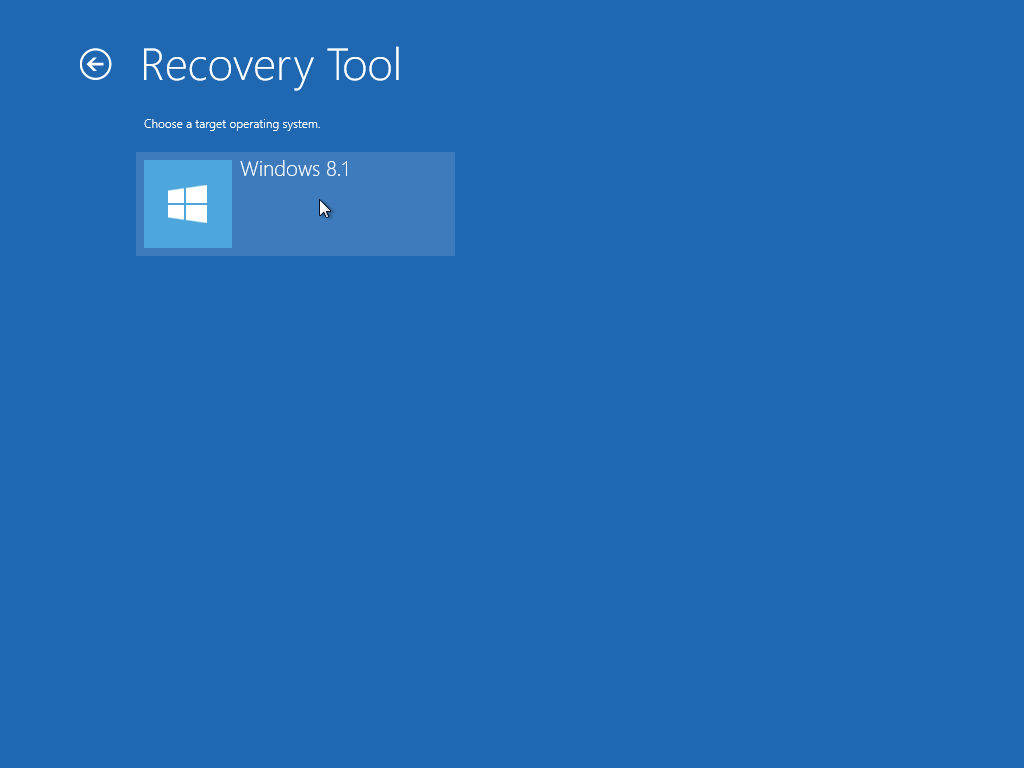
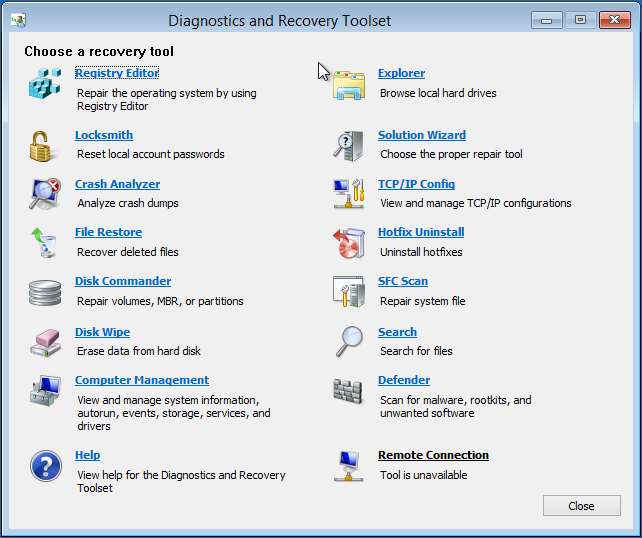
Let’s have a quick look about DaRT 8.1 feature !!!
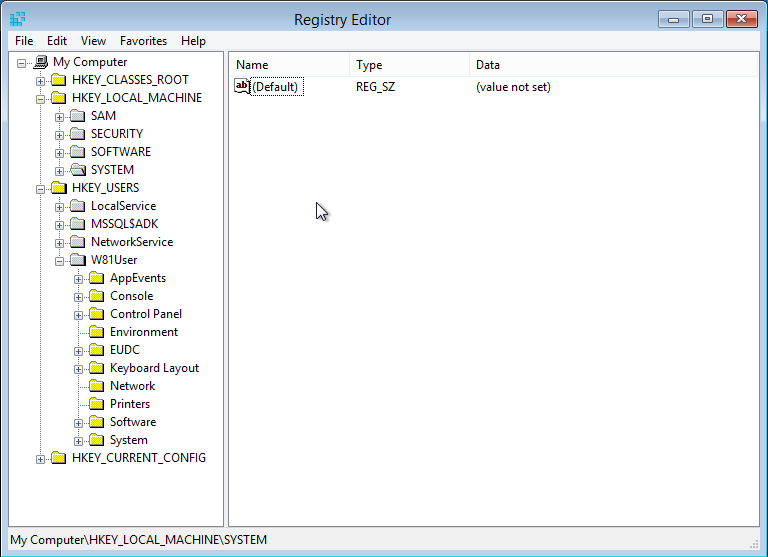
Registry Editor
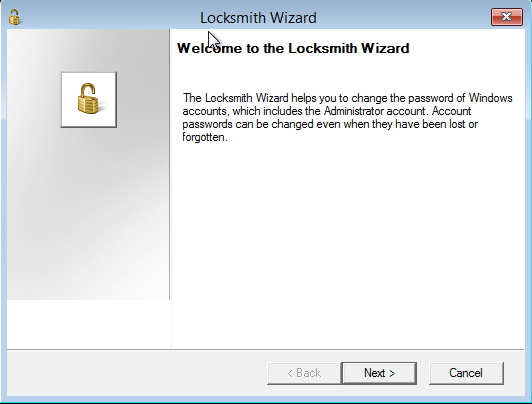
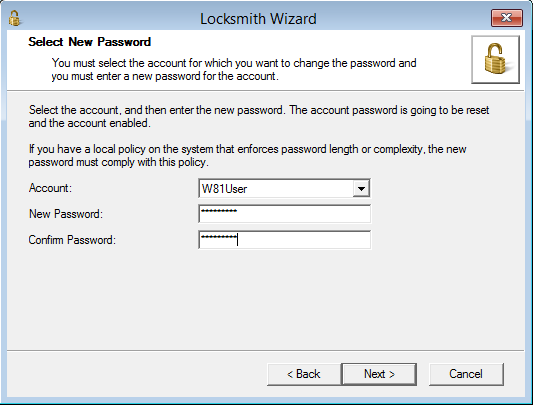
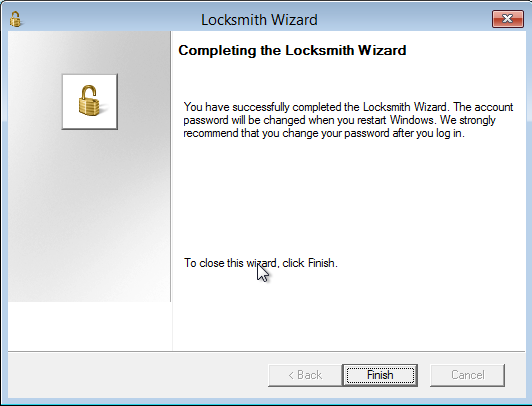
Locksmith for password recovery

Recover deleted files


Disk Commander
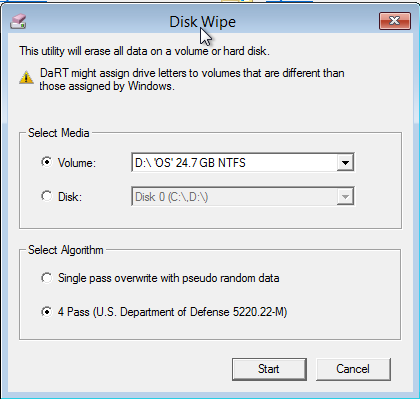
Disk Wipe for wiping data securely

Computer management
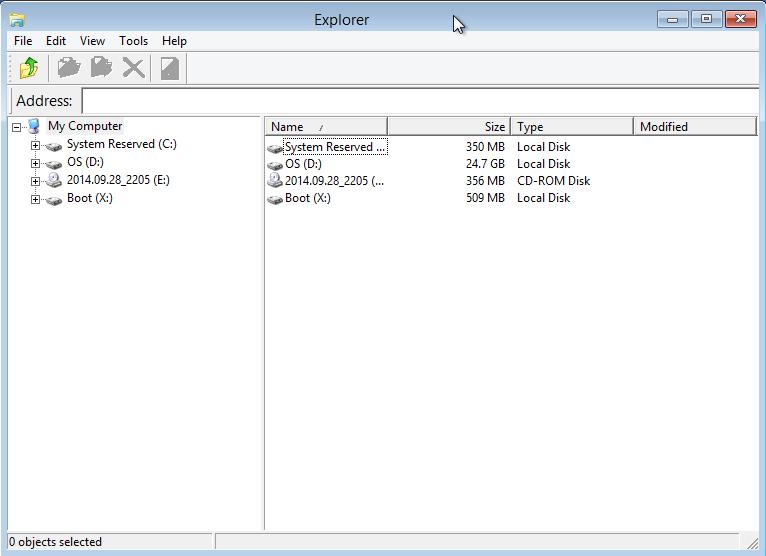
Explorer
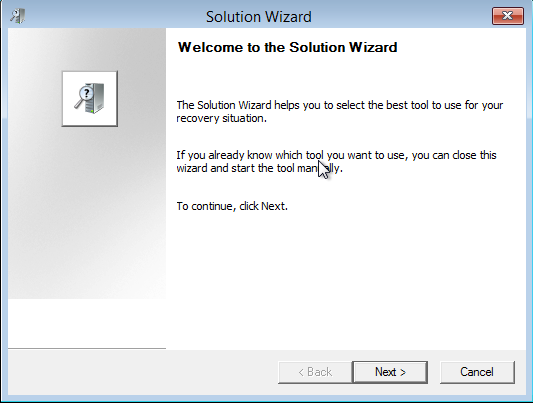
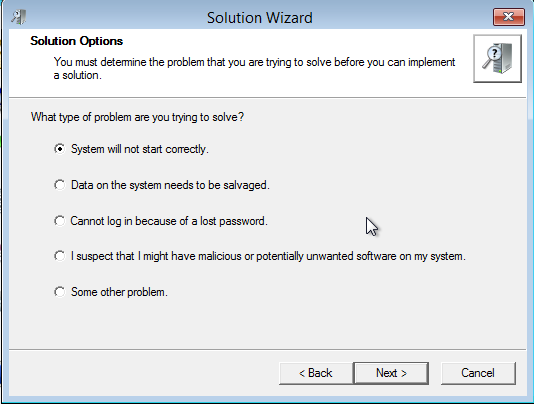
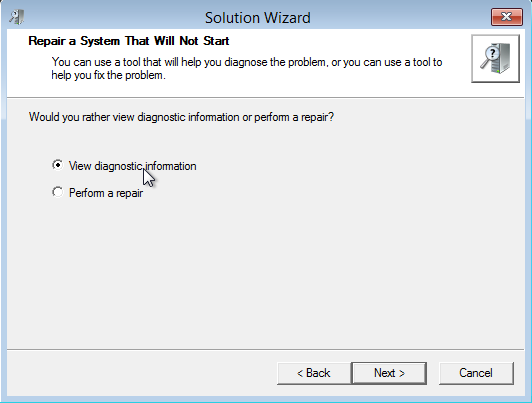
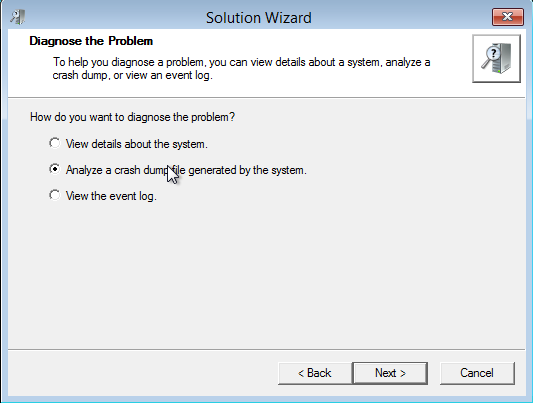
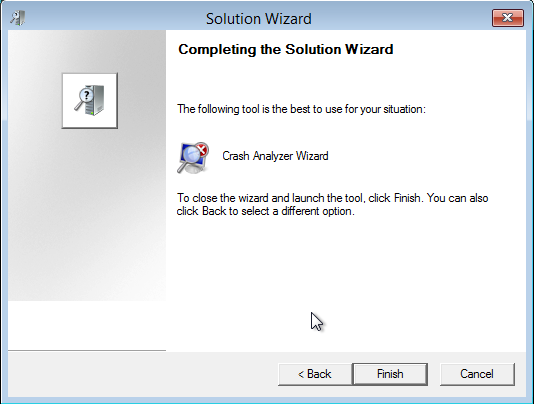
Solution Wizard to find suitable tool.
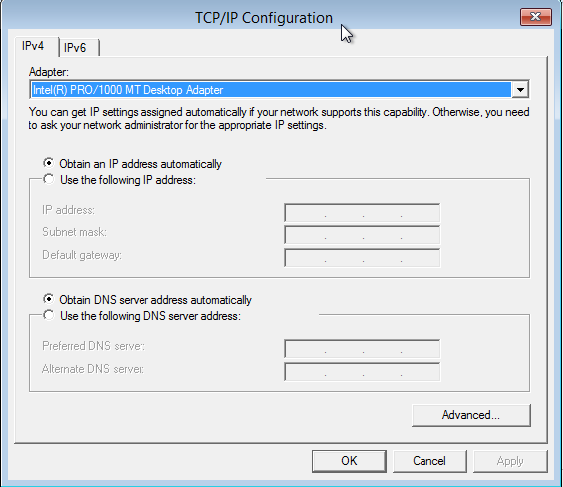
TCP/IP Config


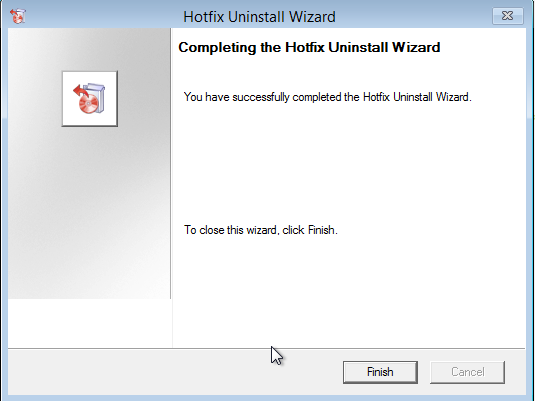
Hotfix uninstaller

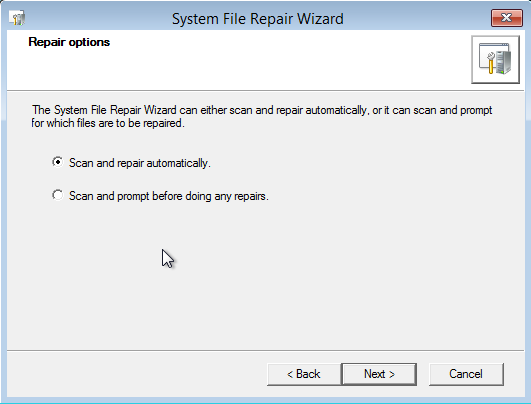

SFC Scan to fix file system error.

File search

Windows Defender
Download link